Test copy
Or join the test on Google Play: open the Play test. Play then updates the app by itself.
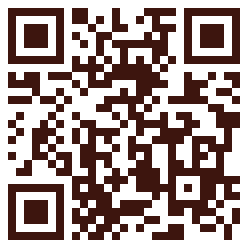
On a computer? Point your phone's camera at this square to open this page on the phone.
How to install
- Tap Download above. If Chrome says the file might be harmful, tap Download anyway. It is only warning because the app is not from the Play Store.
- When it finishes, tap Open. (Or open Files, then Downloads, and tap Daily Reading Program.)
- The first time only, Android says it can't install apps from this source. Tap Settings, turn on Allow from this source, then tap the back arrow. If the install doesn't come back by itself, tap the downloaded file again.
- Tap Install (or Update, if you already have it). If Google Play Protect asks, tap Scan app and then Install, or More details and then Install anyway.
- Tap Open, or find the red-and-gold book on your home screen.
New test copies: the app tells you when one is here. Download it the same way and install it over the old one. Your ticks, notes and colours stay.
Things to try
Tick them off as you go. The ticks are only kept in this browser.
- Open the cover, and turn pages by swiping and by dragging slowly
- Read today's Old Testament chapter, then tick it
- Tap ▶ to have it read aloud, and pick voices in the menu
- Finish all four readings and watch the next day come up
- Untick a reading by mistake, then tick it back
- Write a note for a day
- Add the widget to your home screen (hold the home screen, then Widgets)
- Turn on the daily reminder in Settings
- Try the colour themes and the night colours
- Change the text size and font
Something wrong, or an idea?
Tell us what happened, or send a picture of the screen. In the app it's in the menu: Send feedback.
Send feedback